
Nearfield monitors can make a home office sound honest in the mids and highs, then completely weird in the bass. If your low end keeps changing between songs, your setup is probably part of the problem, not your ears.
Bass control for nearfield monitor listening distance is mostly about geometry, not magic foam. The distance you sit, the height you set, and what sits near the speakers decide which bass notes get louder, softer, or vanish.
Small rooms punish sloppy placement because reflections arrive fast and strong. The good news is you can get a reliable low end with a few repeatable checks and some realistic tradeoffs.
Why nearfield monitoring changes what you hear in the bass
Nearfield monitoring shifts the balance toward direct sound, so you hear more speaker and less room in the midrange. Bass does not follow that rule as well because long wavelengths wrap around the room and build up in patterns.
At 80 Hz the wavelength is about 14 feet, which is bigger than many home offices in at least one dimension. That means the room can reinforce or cancel bass at your chair even when the speakers are only a few feet away.
When you move your head a few inches and the kick drum changes, you are hearing modal peaks and nulls, not a different mix. Nearfield helps, but it cannot erase standing waves that are tied to the room’s length, width, and height.
Boundary effects add another twist because the desk, front wall, and side walls act like extra radiators at low frequencies. You can end up with too much 120 Hz warmth and a missing 70 Hz fundamental at the same time.
Nearfield also changes how you judge bass because the time relationship between direct sound and reflections gets tighter. In a small room, that can make bass feel punchy on one note and strangely hollow on the next, even at the same SPL.
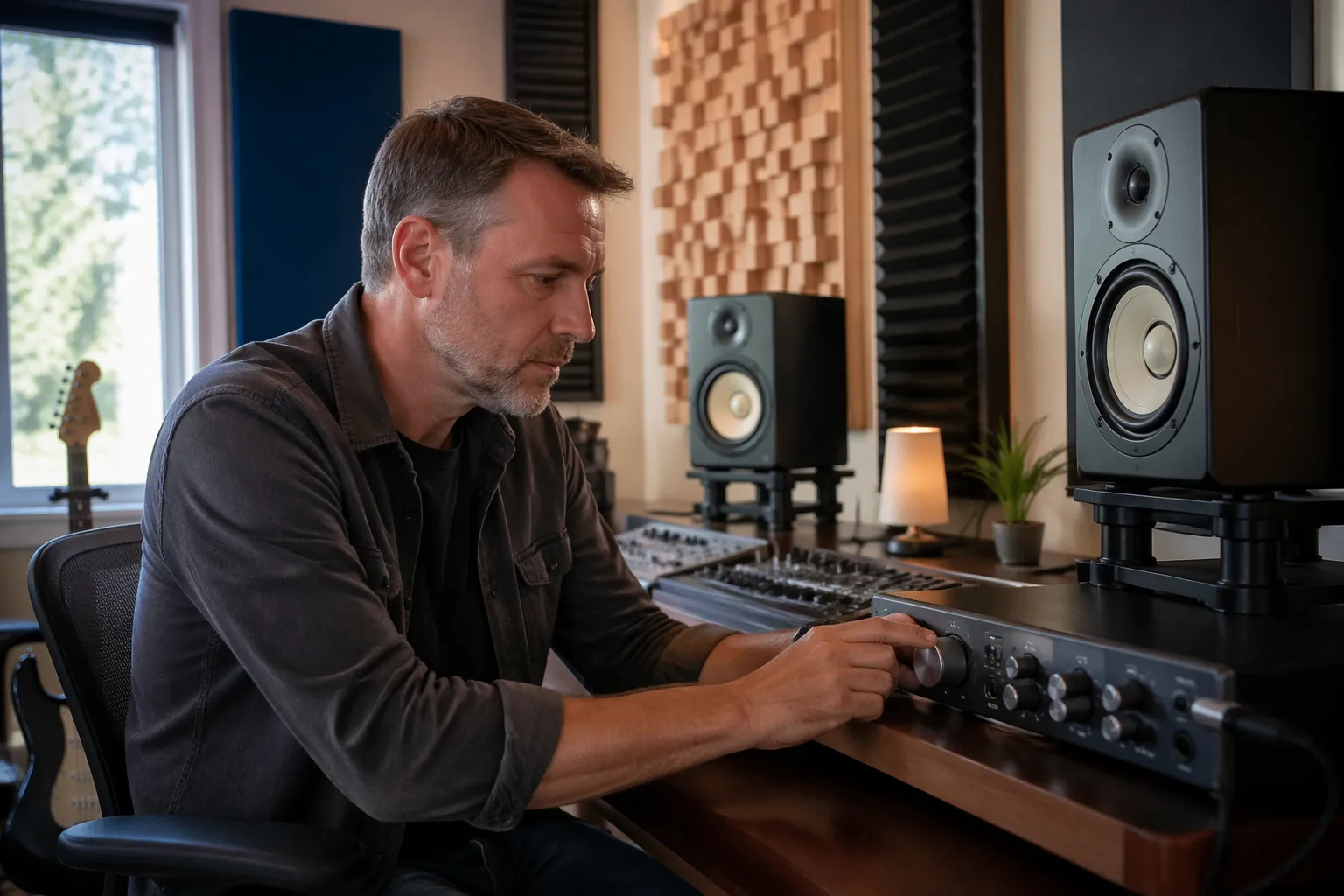
Many people assume bass should get more accurate as you sit closer, but the room still sets the pressure distribution below about 150 Hz. You are basically placing your head at a specific point in a 3D grid of loud and quiet bass zones.
Speaker design matters too, because ported monitors often have strong output around the port tuning that interacts with the room. If the room boosts that same band, you get one-note bass that sounds impressive and mixes that fall apart elsewhere.
Even sealed monitors are not immune, because the room modes do not care how the bass is made. A cleaner roll-off can feel easier to balance, but a big null at the listening position will still make you overcook the low end.
The transition region between “room dominates” and “speaker dominates” is not a hard line in a home office. You can have nearfield clarity at 1 kHz and still have a 60 Hz swamp that takes over the entire mix decision.
This is why two people can sit in the same room and disagree about bass, because they are literally hearing different pressure zones. The goal is not to find a perfect spot, but a spot where the errors are smaller and more predictable.
It also explains why headphones can feel like a relief after fighting monitors, since they remove the room from the equation. The downside is you lose speaker-to-room translation cues, so it is better to fix the monitoring geometry than to abandon it.
Choosing a listening distance that keeps low end consistent
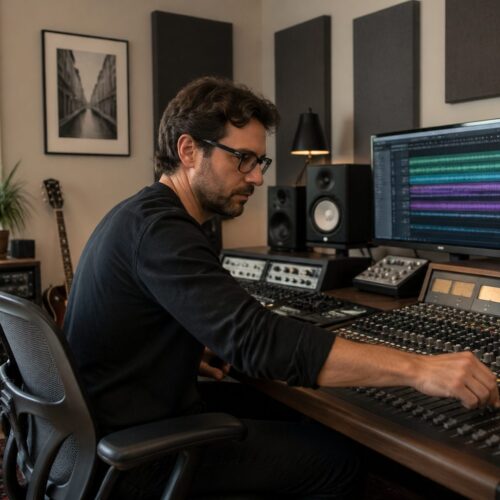
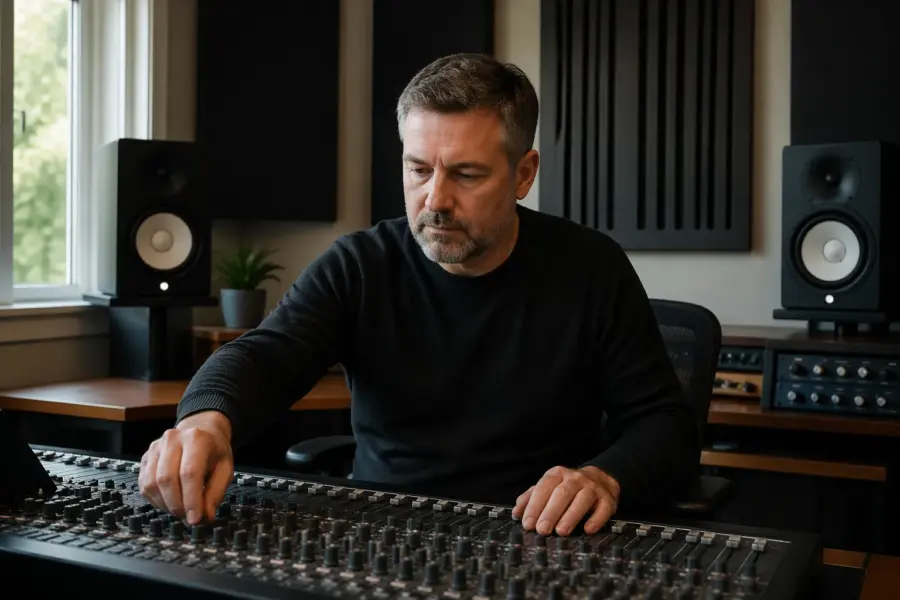
The classic nearfield starting point is a listening triangle where the distance between the monitors matches the distance from each monitor to your head. That geometry is mainly about imaging, but it also keeps both speakers contributing evenly to bass at the listening position.
For most 5 to 8 inch monitors in a home office, 32 to 48 inches is a practical listening distance. Closer than that can exaggerate driver-to-driver integration issues, and farther than that invites more room influence in the 100 to 300 Hz range.
Bass control for nearfield monitor listening distance improves when you avoid sitting at the exact center of the room or with your head against the back wall. A common starting target is about 38 percent of the room length from the front wall, then you fine-tune by ear and measurement.
If you must sit close to the back wall because it is a home office, treat that wall or add a thick absorber behind you. Without that, the front-to-back axial mode will make certain bass notes ring and others disappear, and you will chase EQ forever.
Listening distance also affects how much of the speaker’s low-frequency output reaches you before the room “fills in” around it. At very short distances you can hear the speaker’s character clearly, but the room still determines whether that character is truthful at 60 to 120 Hz.
If your monitors have a waveguide or controlled directivity, you may be able to sit slightly farther back without losing imaging. That can be useful if your desk forces the speakers wider apart, but it can also bring more low-mid room coloration into the picture.
A good check is whether the phantom center stays solid when you play a vocal-heavy track at low volume. If it collapses when you move a few inches, your triangle and toe-in are off, and the bass balance you are judging is probably unstable too.
Try not to pick a listening distance based on convenience alone, like “where my keyboard fits.” The desk layout matters, but you want the chair position to be chosen for the room first and the furniture second.
Small changes in distance can shift where the strongest cancellations land, especially when the back wall is close. Moving the chair 4 to 8 inches can turn a missing bass note into a manageable dip, which is a huge win for mix decisions.
It also helps to keep the distance consistent across sessions, because your brain adapts to a monitoring curve faster than you think. If you roll your chair around all day for work calls and then mix at night, mark a repeatable “mix position” on the floor.
If you use a subwoofer, listening distance becomes even more sensitive because you are summing another source with its own phase relationship. In that case, you want the chair position to be stable before you start adjusting sub level, crossover, or phase.
When the distance is right, bass notes feel like they have a consistent “size” from one key to the next. You are not looking for more bass, you are looking for bass that behaves the same way across the scale.
Height and tilt: keeping bass and imaging aligned
Monitor height is usually discussed for tweeter alignment, but it also changes how the desk and floor reinforce the low end. A few inches up or down can shift the first big cancellation from the desk or floor into a more annoying frequency.
Keep the tweeters at ear height as a baseline, then adjust tilt so the acoustic axis points at your head. If you aim above or below, the crossover region can sag, and the bass can seem detached from the center image.
When the tweeter is too low, you tend to hear more desk bounce, and that can make the low mids feel thick and slow. People often mistake that for “warmth” and then under-mix the 150 to 300 Hz area.
When the tweeter is too high, the tonal balance can get bright and thin, which makes you push bass to compensate. That can lead to mixes that sound huge in your room and messy everywhere else.
Tilting a monitor changes more than aim, because it changes the relative distance from each driver to your ears. If the woofer and tweeter arrive out of time at the crossover, the punch region can smear and you will feel like the kick has no “front edge.”
Stands help because they decouple the monitor from the desk and let you set height without stacking random objects. A stable stand also lets you keep the speaker position fixed while you experiment with chair height and posture.
If you must put monitors on a desk, use isolation pads mainly to control vibration and angle, not as a bass trap. They can reduce mechanical coupling that muddies low mids, but they do not fix room modes.
Try to keep both monitors at identical height and tilt, because asymmetry shows up as a wandering center image and uneven bass weight. Even a half-inch difference can be audible when the room is already small and reflective.
Floor bounce is a real factor in home offices with hard floors, especially if the speakers are low and the listening distance is short. A rug can help a little in the upper bass and low mids, but the bigger win is getting the geometry right first.
If you use a sit-stand desk, pick one mode as your “mix mode” and calibrate height for that posture. Mixing while standing can work, but it changes ear height and shifts the whole response, so it should be intentional.
A quick sanity check is to play a mono kick and slowly raise and lower your head a few inches. If the kick changes a lot, you are sitting in a sensitive interference zone and should adjust height, distance, or both.
| Setup choice | What usually changes | What to check |
|---|---|---|
| Tweeter below ear level | More desk reflection, softer upper mids | Raise stands or add tilt up |
| Tweeter at ear level | Best imaging baseline, predictable crossover | Confirm equal distance in listening triangle |
| Tweeter above ear level | Thinner center image, odd presence band | Tilt down, verify ear height seated |
| Excessive upward tilt | Phasey top end, bass seems “forward” | Reduce tilt, recheck toe-in |
Once height and tilt are close, toe-in becomes easier to judge because the tonal balance stays stable. If you are constantly changing toe-in to “fix bass,” it is usually a sign that height, distance, or boundaries are the real issue.
Keep in mind that your ears are not at the same height when you slouch, lean forward, or recline. If your chair encourages posture changes, you may be changing your monitoring response more than you realize during a long session.
Managing boundary effects from desks and nearby walls
Boundary effects are the fastest way to ruin a nearfield setup in a home office because everything is close. The desk acts like a reflector in the low mids and a comb filter in the mids, and the wall behind the monitors can boost bass in a lumpy way.
Start by pulling the monitors forward so the front baffles are close to the desk edge, not halfway back. That reduces the path length difference between direct sound and desk reflection, which often cleans up the 120 to 250 Hz area.
Distance to the front wall matters because speaker-boundary interference response can carve deep notches in the bass. If your monitors are rear-ported and you shove them 3 inches from drywall, you will usually get boom plus a missing band somewhere between 70 and 140 Hz.
Side wall spacing also matters for bass and imaging, so keep each monitor the same distance from its nearest side wall when you can. If the room forces an asymmetry, treat the closer side wall first and accept that your stereo image will need more careful toe-in.
A useful mental model is that every nearby surface creates a delayed copy of the speaker, and those copies sum with the direct sound. In the bass and low mids, that summing can be constructive on one note and destructive on the next.
The front wall behind the monitors is especially influential because it is so close in many desk setups. Even if the reflection is not obvious as an echo, it can reshape the low end by several dB.
If you can pull the desk off the wall and give the monitors more breathing room, do it, even if it feels awkward at first. A few extra inches can move an SBIR notch away from the kick fundamental and into a less critical band.
Do not ignore the desk surface itself, because a big flat desk is basically a reflector aimed right at your face. A slightly angled speaker, a smaller desk footprint, or a desktop absorber pad can reduce that reflection enough to clarify low-mid punch.
Monitor placement relative to the desk corners matters too, because corners act like boundary multipliers. If one speaker sits near a corner and the other does not, you will hear different bass weight left versus right and your panning decisions will suffer.
Rear ports are not automatically bad near a wall, but they are less forgiving when the distance is tiny. If you cannot get space, use the manufacturer’s boundary EQ or port plug options, but treat those as damage control rather than a full solution.
Front-ported or passive radiator designs can be easier to place, but they still interact with the wall because the woofer radiates in all directions at low frequencies. The room does not care where the port is once you get low enough.
Side wall reflections are often discussed for imaging, but they also change perceived bass tightness because they add energy in the low mids. If your room is narrow, a panel at the first reflection point can make bass lines easier to follow without changing level.
Ceiling reflections can matter in small rooms with low ceilings, especially if you sit close and the speakers are tall. A ceiling cloud helps more with mids and highs, but cleaning those reflections can make bass feel less smeared by contrast.
Anything large between you and the monitors counts as a boundary too, including a laptop screen, a big meter bridge, or a tall desk shelf. If you see a big object blocking the direct path, you are creating extra reflections and diffraction that can mask bass definition.
Try to keep the area between the monitors as clear as possible, because a cluttered desk makes the center image fuzzy. When the center is fuzzy, you will often overemphasize bass to make the mix feel “anchored.”
Once you find a workable boundary setup, take measurements or at least photos and tape marks. Home offices drift over time, and a two-inch slide toward the wall can be the difference between a tight kick and a bloated one.
When to move closer vs when to treat more
Moving closer increases the direct-to-reflected ratio, which often tightens bass perception even if the room modes still exist. It is the cheapest fix, but it can make long sessions tiring if the speakers are too loud at short range.
If you have a deep null at the listening position, moving closer will not fix it because cancellations are geometric. A null around 70 to 90 Hz is common in small rooms, and you usually solve it by moving the speakers, the chair, or both.
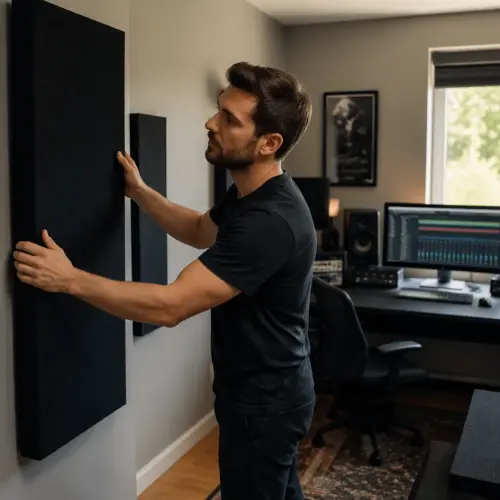
Treatment is the move when the bass is uneven across multiple seats or when decay is long and blurry. Thick corner traps and a deep absorber on the back wall can do more for translation than any monitor EQ curve.
I treat first reflections for imaging, but I treat corners for bass because that is where pressure builds. If you can only buy or build one thing, build big corner traps and do not waste money on thin panels hoping they will fix 60 Hz.
Moving closer is most effective when your problem is early reflections and low-mid smear rather than a single missing bass note. If the bass feels slow and cloudy but not totally absent, reducing the room contribution can clean it up quickly.
Treatment is most effective when your problem is time, not just level. If the bass note hangs around after it should stop, you need absorption, because no listening distance will shorten decay in the room.
Before you buy panels, do the free fixes that change geometry, because they often give you a clearer target. Once the speakers and chair are in sensible places, you can treat what is left instead of treating blindly.
EQ is tempting because it is instant, but it is not a substitute for placement when the issue is cancellation. You cannot boost your way out of a null, because the room will cancel the boosted energy too.
EQ can help with broad peaks, especially if your monitors have built-in DSP and you keep the changes small. The danger is using narrow cuts and boosts to chase every wiggle, which usually makes translation worse.
A subwoofer can help if your monitors struggle below 60 to 80 Hz, but it also adds complexity. If you add a sub, plan on spending time on placement and phase, because a bad sub setup can make bass control worse than before.
If you do use a sub, placing it near the front wall but not in a corner is often a good starting point. You then adjust crossover and phase so the sub and monitors sum smoothly at the listening position rather than fighting each other.
Sometimes the best move is accepting a slightly bass-light position that is consistent. A consistent low end is easier to mix on than a “bigger” low end that lies to you differently on every note.
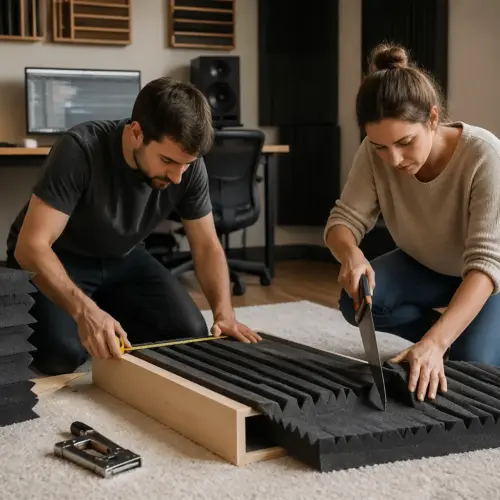
If you rent or cannot mount anything, free-standing traps and thick back-wall absorption can still be realistic. Even two big panels behind your chair can reduce the worst rear-wall bounce and make bass decisions less stressful.
When you are unsure, prioritize changes that improve repeatability. If you can sit down and immediately recognize your references, you are closer to a trustworthy system than someone with perfect graphs but a constantly changing workspace.
A simple setup routine you can redo after changes
You need a routine because home offices change, and every change can shift bass response. A new monitor arm, a taller chair, or a different desk mat can alter boundary effects enough to fool you.
Use the same test material every time, like pink noise plus two or three reference tracks you know well. If you can, verify with free software like Room EQ Wizard and a USB mic like the UMIK-1, but your ears still do the final vote.
Start with physical symmetry, because it is the foundation for everything else. If one speaker is closer to a wall or aimed differently, you will misread bass balance and compensate in the mix.
Level matching matters more than most people think, because louder usually sounds better and bass seems fuller. Set a comfortable reference level and keep it consistent so you are not chasing volume changes as if they were tonal changes.
When you run pink noise, listen for whether it sounds centered and stable. If it pulls left or right, fix placement and level before you judge bass response at all.
A slow sine sweep is useful, but do not panic about every dip and peak. Focus on the big problems you can clearly hear, like a note that disappears or a band that booms across multiple tracks.
Measure in small steps and only change one variable at a time. If you move the chair, change toe-in, and add foam all at once, you will not know which change helped or hurt.
Take notes like you are troubleshooting a technical issue, because you are. Write down distances, heights, and what you heard, so you can return to a known-good baseline if an experiment goes sideways.
Do a quick translation check after setup changes by listening on headphones or a small Bluetooth speaker. You are not trying to match those devices, you are checking whether your bass decisions still make sense outside the room.
- Set equal monitor spacing for the listening triangle
- Match monitor height so tweeters hit ear level seated
- Start with 36 to 44 inches listening distance
- Pull monitors to the desk edge, then recheck bass
- Move chair forward or back in 2 inch steps
- Check left-right symmetry to side walls
- Run a slow sine sweep and note obvious nulls
After the first pass, repeat the routine at a lower volume, because bass perception changes with loudness. If the low end only works when it is loud, you may be leaning on room gain or masking problems with SPL.
Then repeat at a moderate volume where you can work for an hour without fatigue. A setup that is only “accurate” at one loud level is not practical for daily mixing in a home office.
If you are measuring, save your measurement files with dates and a short description of what changed. Over time you will see patterns, like a specific speaker-to-wall distance that always creates a notch you hate.
When you find a position that works, lock it in with physical markers. Tape on the desk and floor is not glamorous, but it keeps your monitoring consistent when life pushes your furniture around.
Finally, listen to a few mixes you trust and remind yourself what “normal” sounds like in your room. The goal is not to make your room sound like a mastering studio, but to make it predictable enough to make good decisions.
Conclusion
Good bass in a home office comes from accepting that nearfield monitoring reduces room problems, but it does not erase them. Your listening distance, monitor height, and boundary effects decide whether the low end is trustworthy or random.
When bass control for nearfield monitor listening distance is right, you stop second-guessing kick and bass levels and your mixes travel better to cars and earbuds. Keep your setup routine handy, because small-room tradeoffs never go away, and consistency beats perfection.
If you remember one thing, remember that bass problems are usually predictable once you connect them to placement. You are not fighting taste, you are fighting geometry, and geometry can be managed.
Work from the biggest levers to the smallest ones, starting with chair position and speaker distance to boundaries. Once those are sensible, treatment and light EQ become finishing tools instead of desperate fixes.
Nearfield monitoring is still the right approach for most home offices, because it gives you a clearer view of the mix than far-field listening in a tiny room. It just needs the low end to be tamed enough that your decisions stay consistent from day to day.
Do the routine, document what works, and resist the urge to constantly tweak. A stable setup that you understand will beat a constantly changing setup that measures slightly better on paper.